
How it works
Five phases, and exactly two of them need you. Everything else runs on its own and reports back.
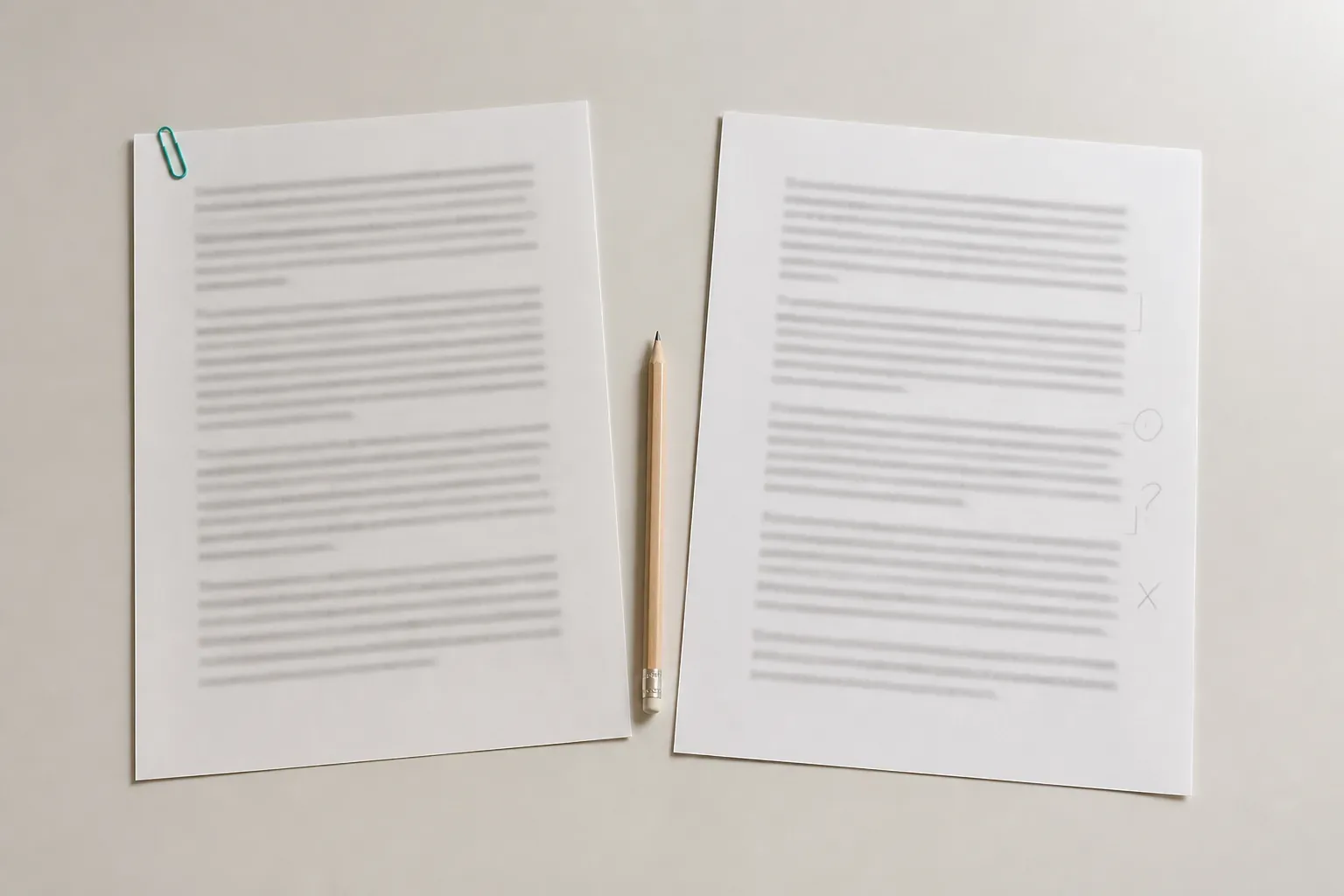
See what the machine actually read
You upload a PDF or DOCX. The file lands in a quarantine area first, is checked for size and file signature, and is only then promoted for parsing. A scanned or empty PDF is rejected there and then, with a message telling you why, rather than being run through anyway.
What comes back is an extract preview: your document parsed into structured segments, so you can see what the machine actually read before a single word is translated. If the extraction is wrong, you find out at the cheapest possible moment.

The phases
Upload
PDF or DOCX, validated by size and file signature in a quarantine area before anything touches it.
Extract
The document is parsed into structured segments, shown to you as a preview.
Prepare
The free analysis step: detected source language, glossary candidates mined from your text, a character and story bible, and a translation brief.
Configure
Choose the target language and effort, see the estimated cost and time, then decide whether to run it.
Translate
A queued run with live phase progress. It survives a dropped connection, and it can be cancelled or retried.
Review
Source and translation side by side, inline editing with autosave, per-segment comments, and an issue and score panel.
Export
Clean semantic DOCX, or a side-by-side review copy as HTML or DOCX.
Prepare is the part that makes the difference
Prepare is free, automatic, and the most distinctive thing in the product. It reads a sample of your document and proposes the assets the translation will lean on: glossary candidates you include, edit and give targets to, and a character and story bible with suggested names plus free-form notes.
There is an optional Prepare with AI step, which is one explicit and budgeted model call that fills in the blanks. It will also flag names its heuristics picked up that are not people, such as places, houses or schools, and propose real people it can find in the sample. It does not invent source terms and it does not overwrite your edits.
Everything it proposes is editable before translation starts. That is the whole point: the decisions that have to hold across four hundred pages get made once, by you, at the beginning.
Two moments that need a person
The designed journey is upload, preflight, confirm settings, translate, review, export. Exactly two of those require a human: confirming the settings, and the review. The rest is queued work that reports progress and can be left alone.
At the end you export a clean semantic DOCX for your production pipeline, or a side-by-side review copy as HTML or DOCX for a colleague who wants to see both versions together.

Try it on your own material
The first step is a free evaluation on a sample you choose. Access is by invitation while the product is in its current phase.